
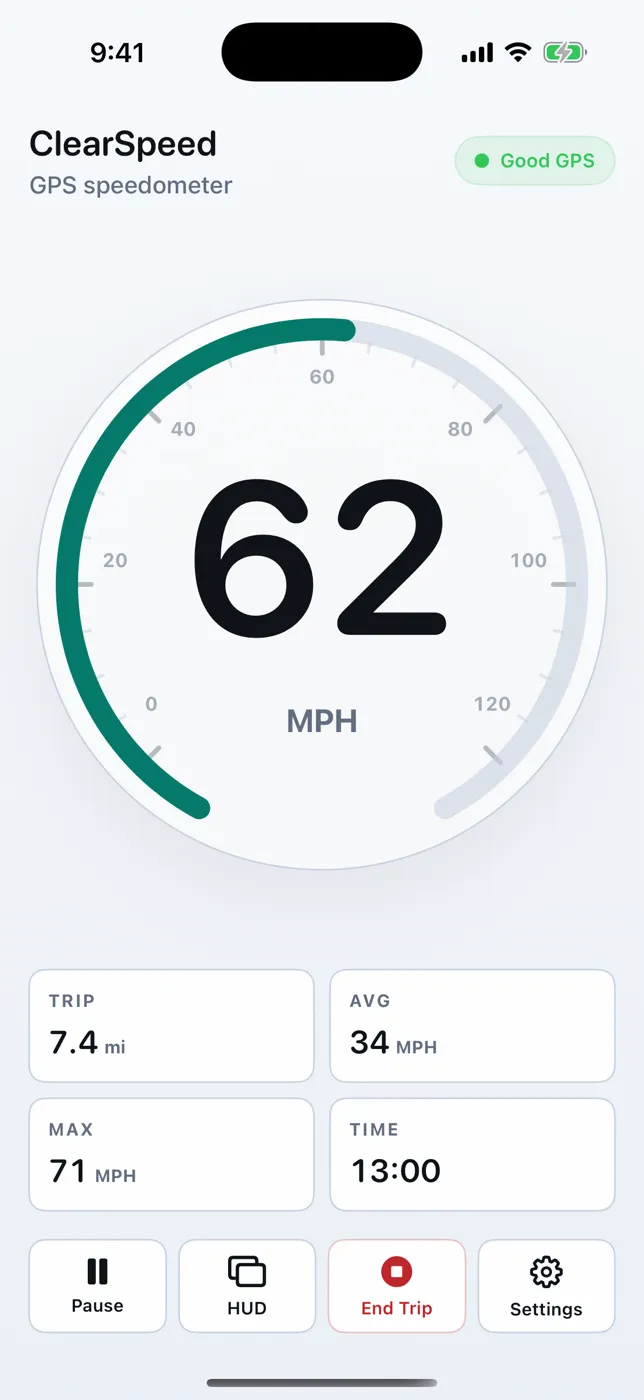
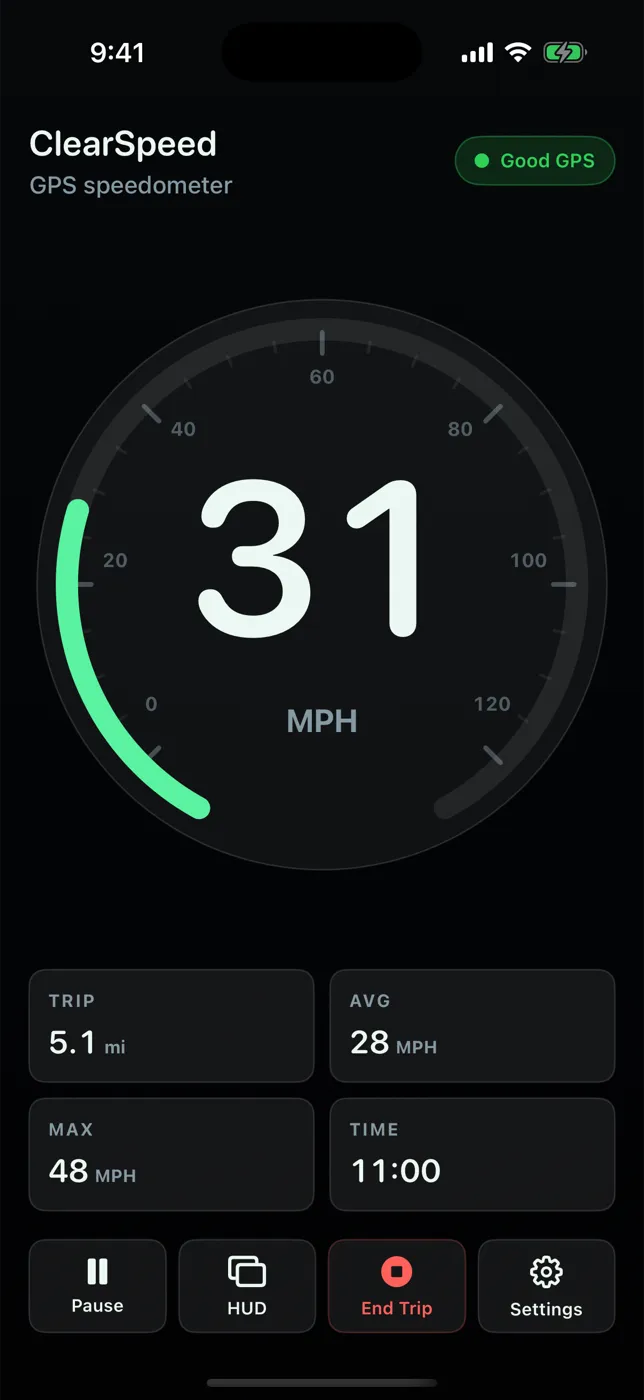
What the screen shows
- Live speed as a large number on an arc dial, in MPH, KM/H, or knots (KT).
- GPS status: Good GPS (with the reported accuracy), Weak GPS, or Searching.
- Trip tiles: distance, average speed, maximum speed, and elapsed time.
- Controls: Start/Pause/Resume a trip, HUD, End Trip, and Settings.
Why a dedicated speedometer instead of a map app
Navigation apps can show speed, but it is a small badge beside a map. When you only want a clear number — on a boat, a bike, in a car whose speedometer is hard to read, or in a rental that shows the "wrong" unit — a full-screen readout is easier to glance at. ClearSpeed opens straight to that readout, with no map, account screen, or ads in the way.
Honest about signal
If the iPhone reports location accuracy worse than about 30 meters (roughly 100 feet), ClearSpeed shows Weak GPS instead of a speed number. The displayed speed is lightly smoothed so it doesn't flicker, but it never hides the signal state. See how GPS speedometers work.
What it does not do
No maps, directions, posted speed limits, speed alerts, CarPlay, Apple Watch app, or OBD-II data. The app measures speed only while it is open on screen; it does not log in the background.
Driving safely
Set units, mode, and brightness while parked. Mount the phone securely where it does not block your view and where local law allows, then leave it alone while the vehicle is moving. ClearSpeed is an informational display; your vehicle's speedometer and posted signs remain the reference.
Try it on your next trip
ClearSpeed GPS is $3.99 once in the U.S. App Store, with no subscription, in-app purchases, or ads. View ClearSpeed GPS on the App Store.